
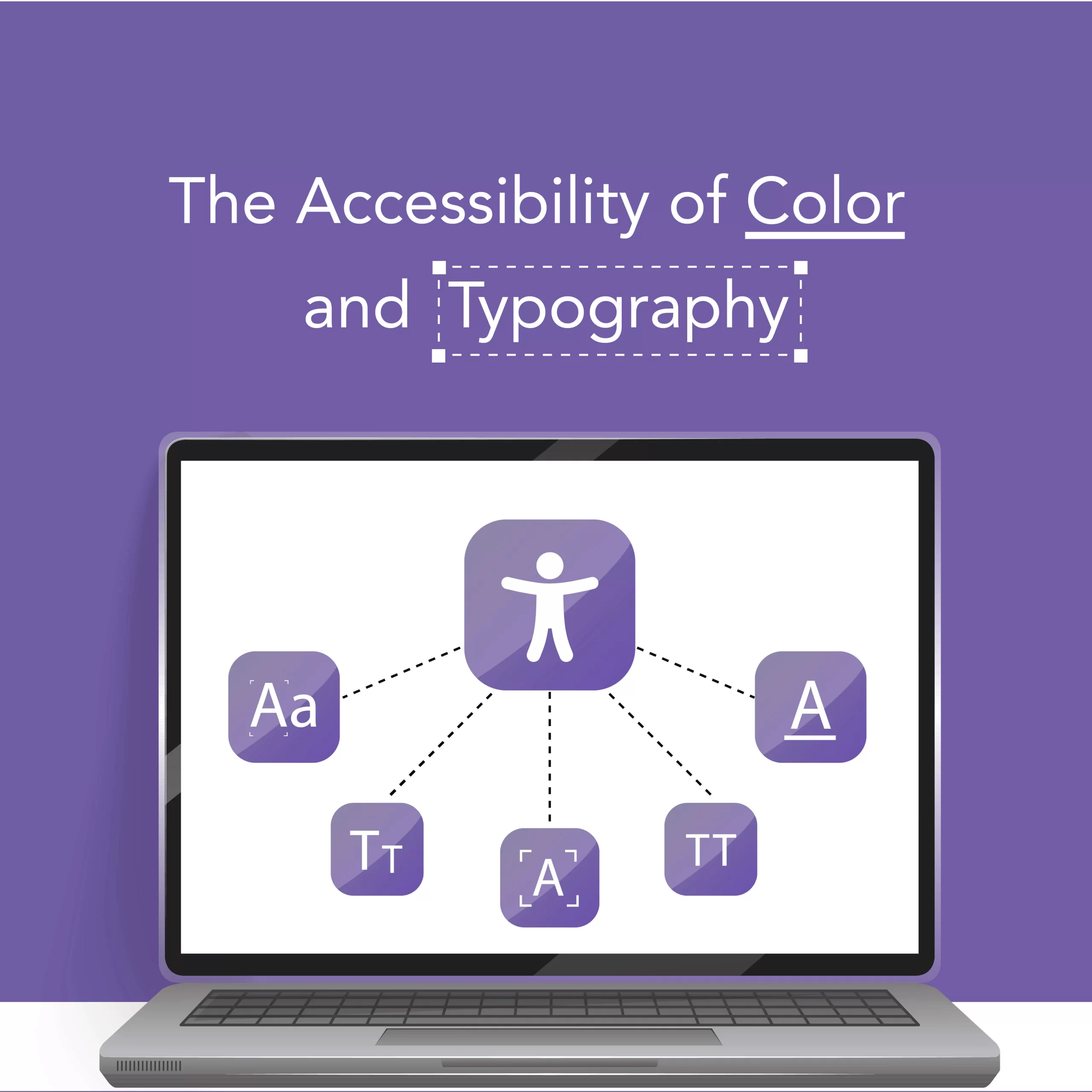
Color and typography aren’t just visual choices — they determine whether people can perceive, read, and act on your content. Prioritize contrast …
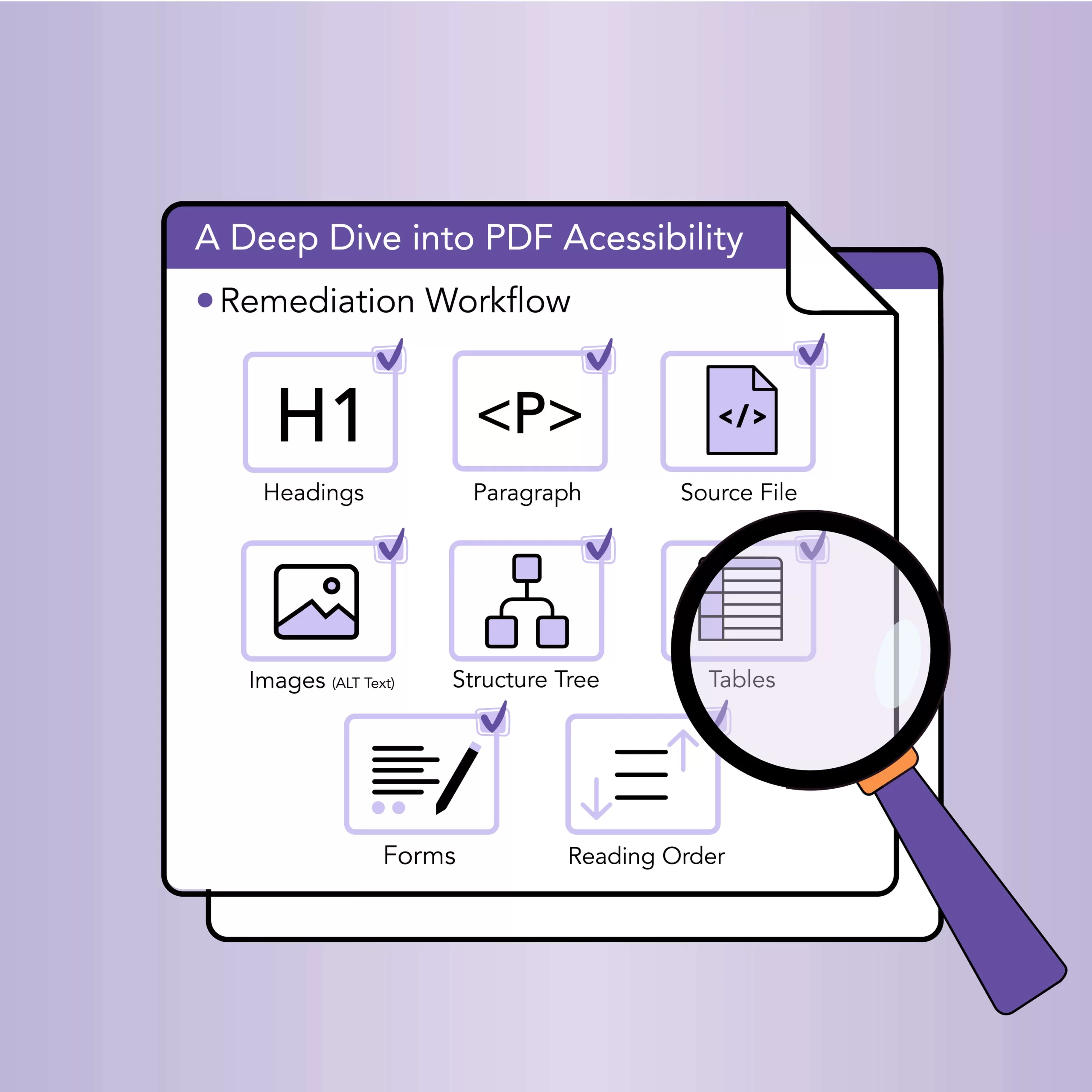
Tagged PDFs are the backbone of accessible documents. Start remediation at the source (styles), run automated checks (Acrobat, PAC, axe-pdf), fix the …
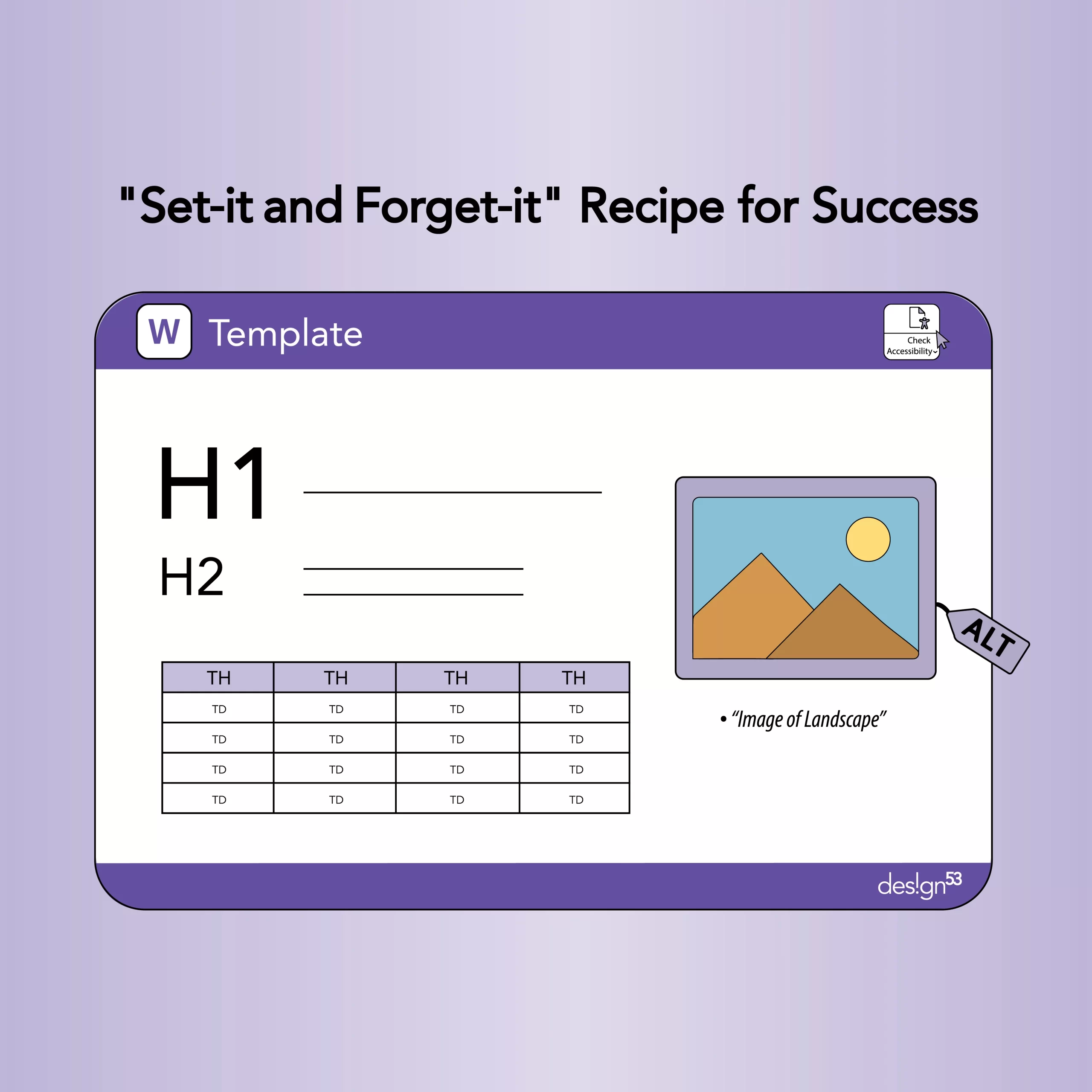
Create accessible Microsoft Word templates once and save hours of remediation. Use semantic styles (Heading 1–6), preset alt‑text prompts for images, accessible …
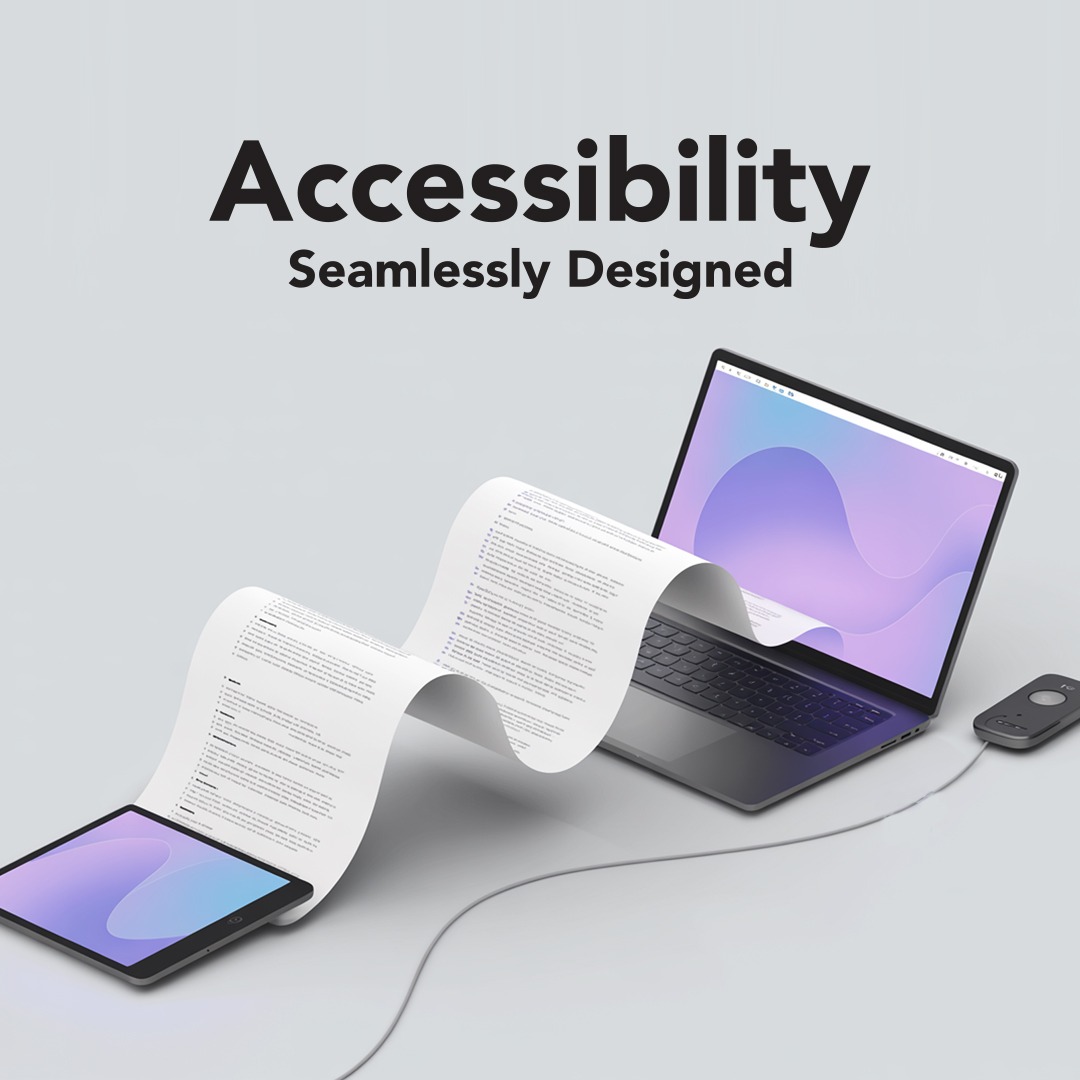
It Works for You — But Can Everyone Access It? Your document might look perfect on your screen. But can assistive tech …
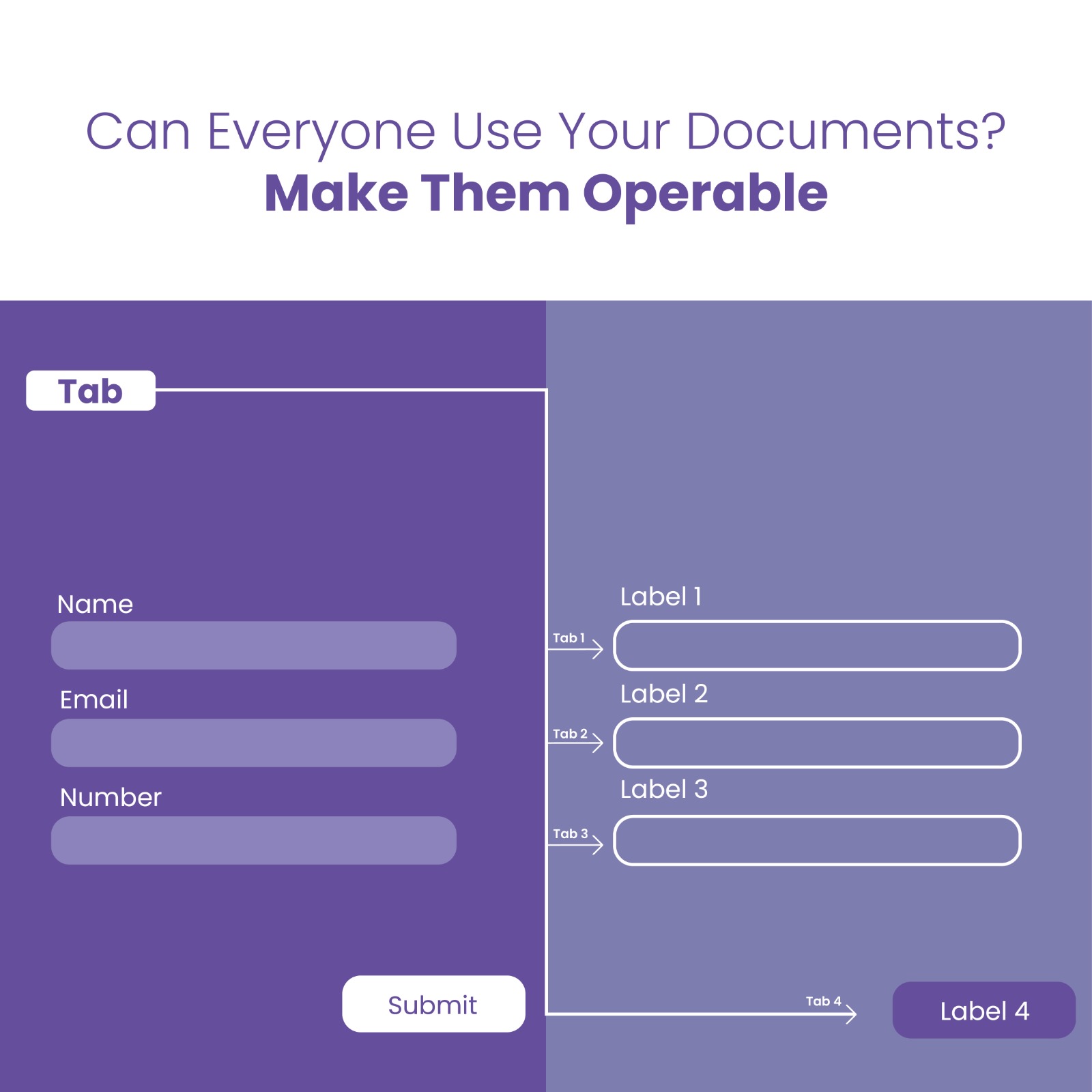
If You Can’t Navigate It, You Can’t Use It Accessibility isn’t just about being able to see content — it’s also about …
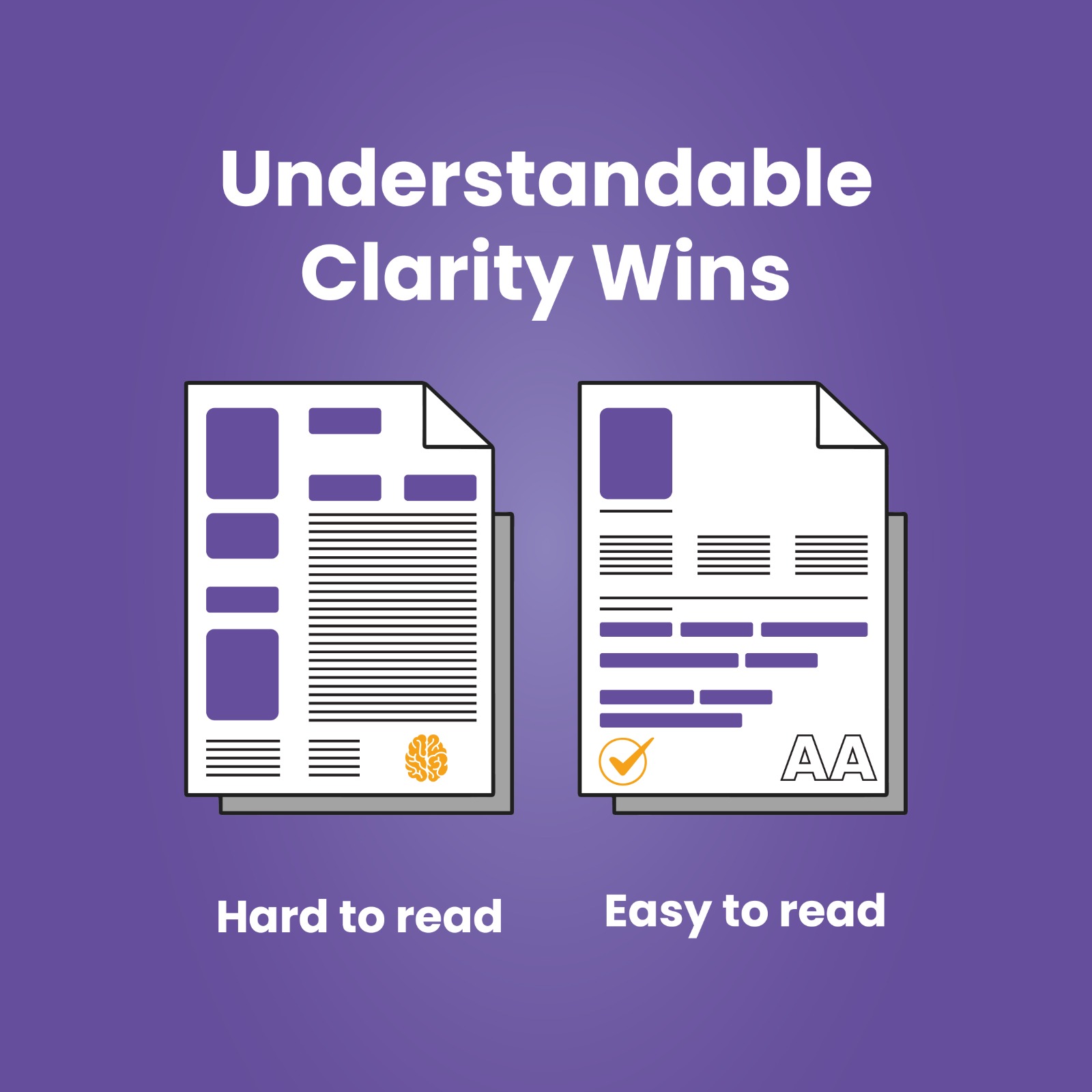
Clear Content is Accessible Content The third principle of accessibility is Understandable. If your content is confusing, inconsistent, or full of jargon …
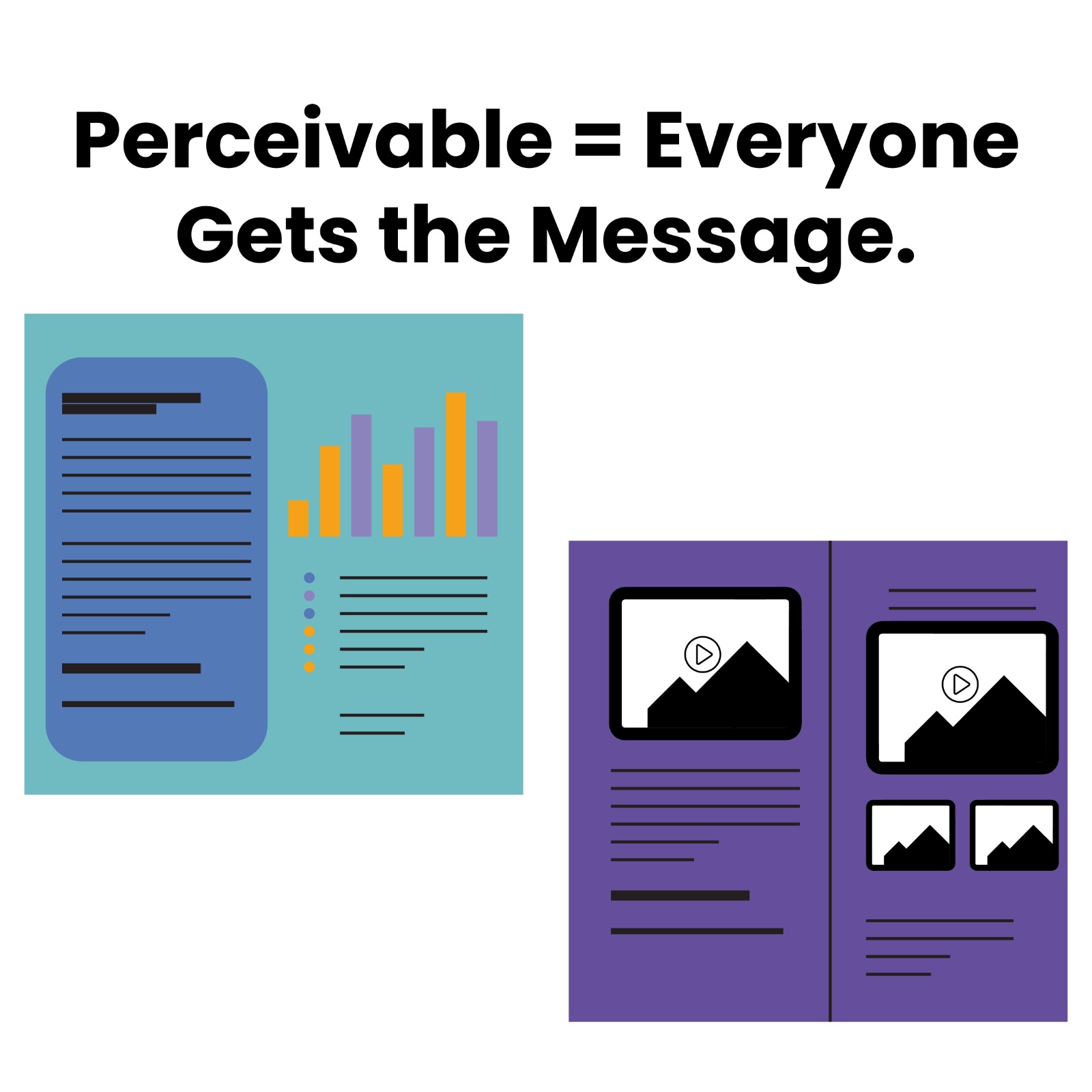
If You Can’t See It, You Can’t Access It You’ve added the right logo, the best photos, maybe even an infographic. But …
Unlocking the Hidden Power of Images in Your Documents When you create a PDF, Word document, or presentation, you likely spend time …

Ever Tried Building IKEA Furniture Without Instructions? That’s what accessibility feels like for many teams. Lots of parts, high stakes, and no …
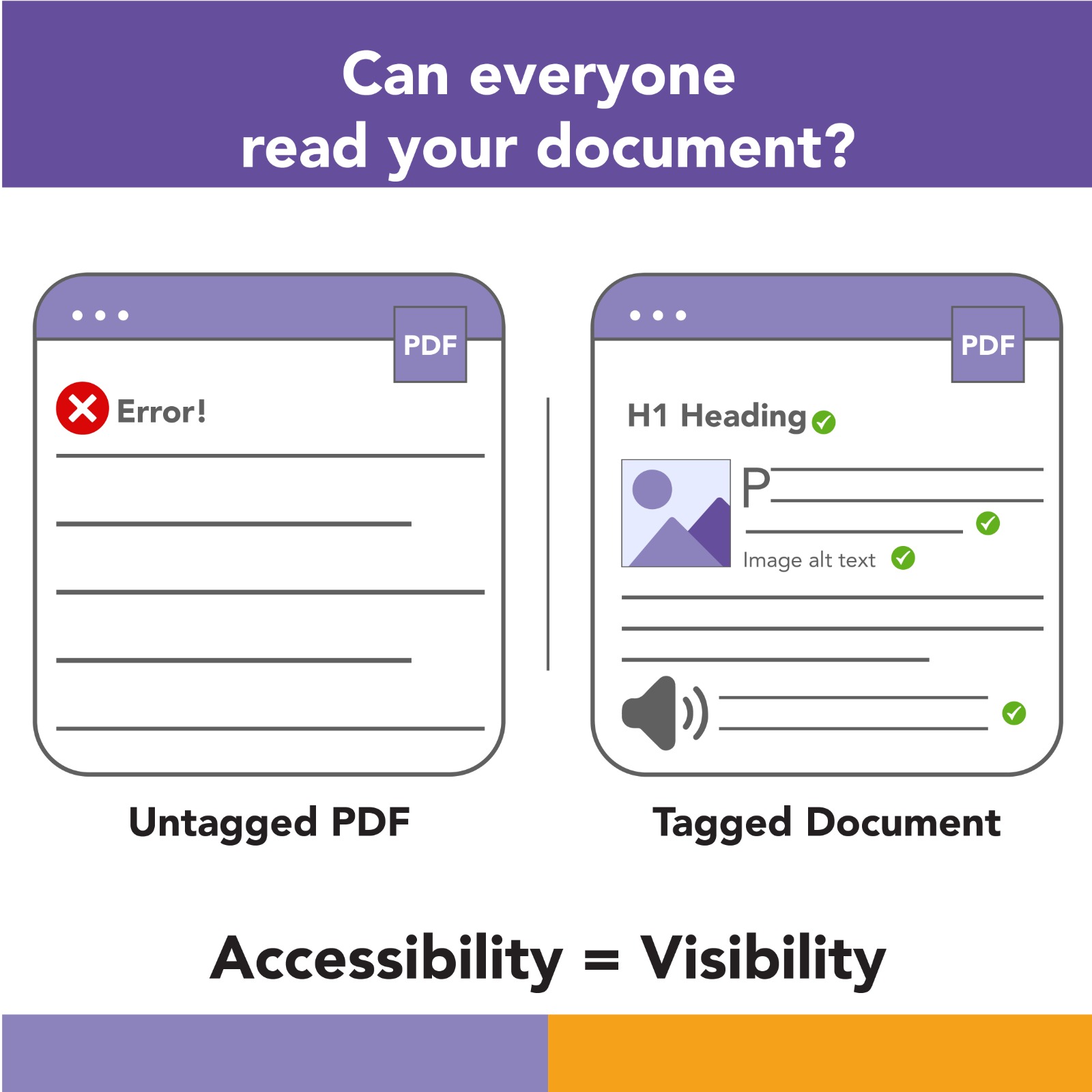
Your website is polished. But What About Your PDFs? You’ve worked hard to make your website modern, mobile-friendly, and on-brand. But there’s …
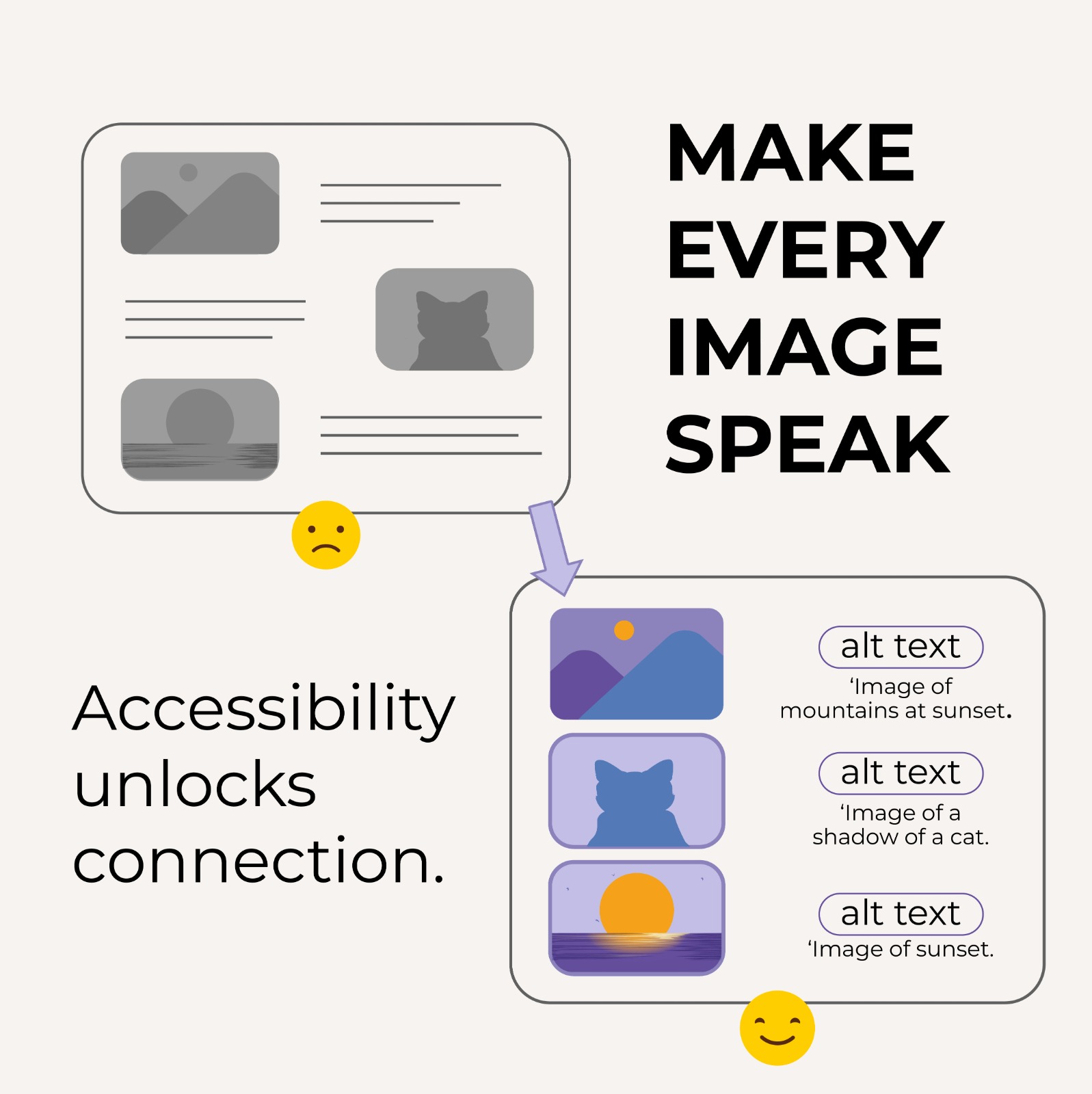
Unlocking the Hidden Power of Images in Your Documents When you create a PDF, Word document, or presentation, you likely spend time …
Your Brand’s Blind Spot: It’s Time to Open Your Eyes In today’s fast-moving digital world, brands are upgrading websites, refreshing logos, and …